LayaLift — Strength
in rhythm.
Plan on your phone. Train from your Garmin watch. Hear exercise cues, tempo guidance and rest countdowns in your earbuds while you move through each set.
In beta testing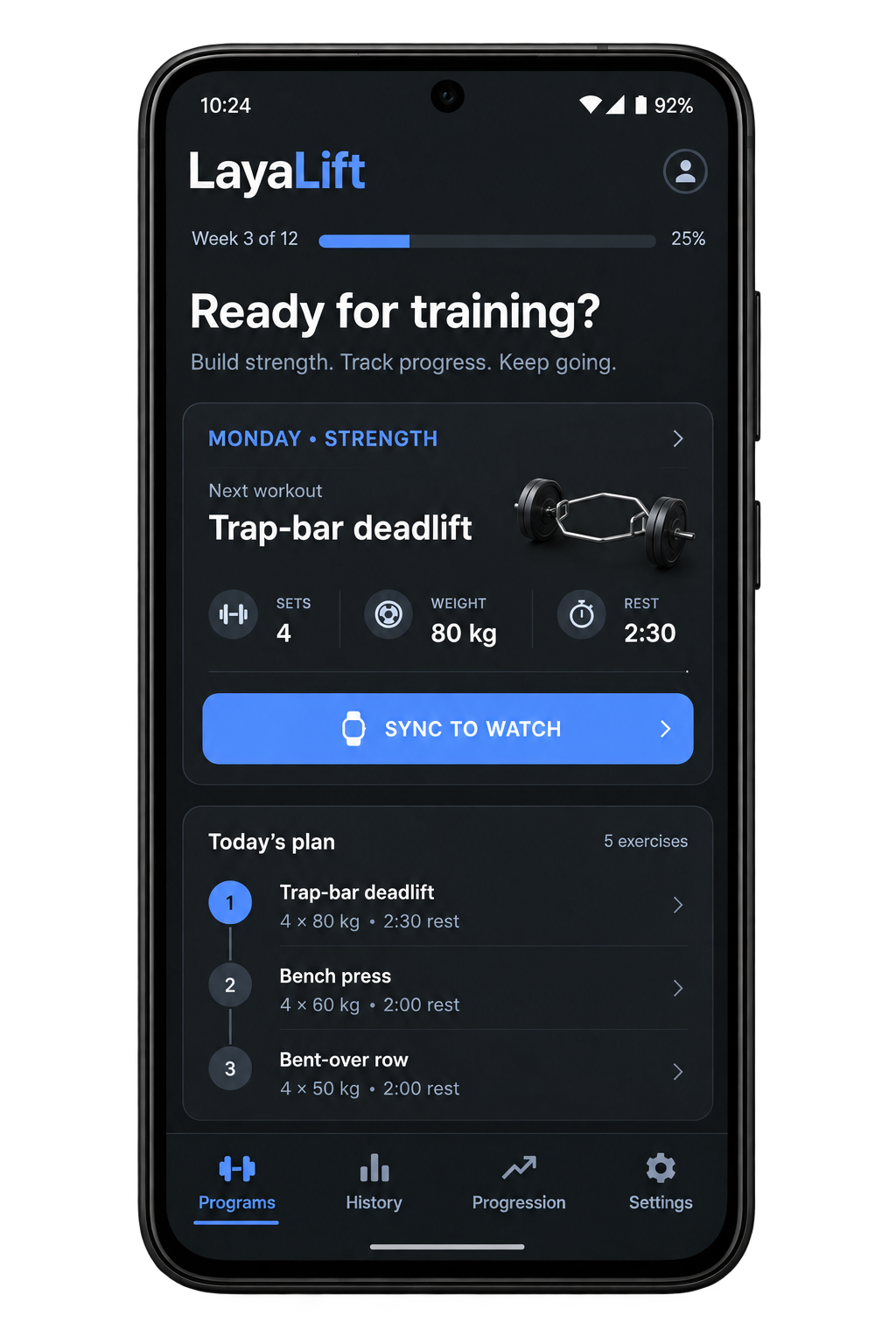
Less fiddling. More lifting.
A training plan is only the start. LayaLift brings preparation, in-session guidance and workout records into a connected Android-and-Garmin experience, so the next set, rest period and exercise are easier to follow.
Designed for strength trainees who want structure without losing the flexibility to adjust a session as it unfolds.
From the plan to the final set.
Your training week
Organise workout programs on Android. Reorder exercises and edit sets, rest periods, notes and warm-up steps before syncing the plan to your watch.
An exercise library to build from
Search and browse movements, add them to a program, and tailor the coaching and tempo for each workout step.
Coaching in your earbuds
Hear exercise announcements, rep rhythm, upcoming moves and rest countdowns through the connected Android companion. Music lowers for spoken cues and resumes afterwards.
A watch-first session
Follow the current exercise, next set and next movement on your Garmin watch. Countdown rings, concise cues and vibration support rest periods and timed activities.
Quick set capture
Review reps and weight, save a set and move on. Keep exercise and set details in workout history so the session leaves a useful record.
Room to adapt
A busy gym does not have to end the plan. Move an exercise later, skip it or substitute a movement, then continue through the workout.
Machine occupied? Keep training.
Workout Options on the watch gives you three ways to adapt the session.
Come back to it.
Move the exercise to the end of the workout. Completed sets stay in the log.
Move past it.
Confirm the skip and continue to the next exercise when that is the right choice for the session.
Swap the movement.
Choose another exercise while keeping the planned sets, reps, rest and tempo with that workout step.
Phone to plan. Watch to train.
Earbuds for the cues.
Prepare the session.
Build the program and sync it to the watch through the Garmin connection. Keep Garmin Connect running on the phone during the workout.
Follow each step.
Run the workout, view timers and countdowns, capture sets and send session events to the Android companion.
Hear what comes next.
The phone speaks the coaching cues through your connected earbuds, lowering music while speaking and bringing it back afterwards.
- 01 / STARTChoose the day’s workout.
- 02 / FOLLOWUse the exercise and tempo cues.
- 03 / CAPTURERecord the set.
- 04 / RECOVERRest, then move to the next step.
Made for real gym sessions.
LayaLift is in beta testing for Android and Garmin. Physical-device testing and workout feedback guide the refinements, including testing on the Garmin Epix Pro (Gen 2). Compatibility varies by device and build.
The mockup illustrates the intended dashboard experience. Automatic rep detection and richer coaching modes remain future ideas; they are not presented as available features.
A few useful details
Do I need an Android phone during training?
The connected experience uses the Garmin watch, Garmin Connect and the Android companion. Spoken coaching comes from the phone through your connected earbuds.
Will workout details appear in Garmin Connect?
Completed activities retain Garmin heart rate, calories and timing. Exercise details are written into custom FIT fields and may appear as custom lap data rather than native strength sets.
Can I install LayaLift now?
LayaLift is in beta testing. Contact us about beta access, the current build, and compatibility with your phone and watch.
Find your training rhythm.
Tell us how you prepare for the gym, what interrupts a session and what you want to see afterwards. Ask about the current phone-and-watch experience.
Ask about LayaLift ↗